How to tell your Claude Code sessions apart (before you type into the wrong one)
The most expensive mistake in parallel AI coding isn't a bad merge. It's typing "yes, go ahead and push" into the wrong session. Five Claude Code windows look pixel-identical — same prompt, same colors, same font — and the only clue about which project each one belongs to is a working-directory path you stopped reading an hour ago.
Here's the toolbox, from free-and-manual to built-for-it.
Level 1: name your terminal tabs (free, 10 seconds, decays fast)
Every macOS terminal can rename tabs. In Terminal.app: ⇧⌘I → set title. In iTerm2: ⌘I → Session Title, or from the shell:
# works in most terminals — sets the tab/window title
printf '\033]0;API-SERVER\007'
Put that in a title function in your .zshrc and run title api before starting each session. The catch: titles are manual, so they rot. The session you started at 9am as "quick-fix" is doing something entirely different by noon.
Level 2: color-code with iTerm2 profiles (free, better)
Make one iTerm2 profile per project with a different background tint — barely-blue for the API repo, barely-green for the web app. Open each Claude Code session under its project's profile and your peripheral vision starts doing the work: "the green one is web."
iTerm2 badges push it further — Profiles → General → Badge, set it to \(session.path) and a giant translucent label floats over every pane showing its directory. Free, effective, and about fifteen minutes of setup you'll do once and keep forever.
The limit of both: colors and badges tell you which project a window is, but not which windows exist and what they're doing. You can't see the ones that are hidden behind other windows.
Level 3: put every session on one screen
The identity problem mostly disappears when nothing is hidden. That's the design bet of a tile grid — every session visible simultaneously, each tile carrying its own name, project folder, and live output:
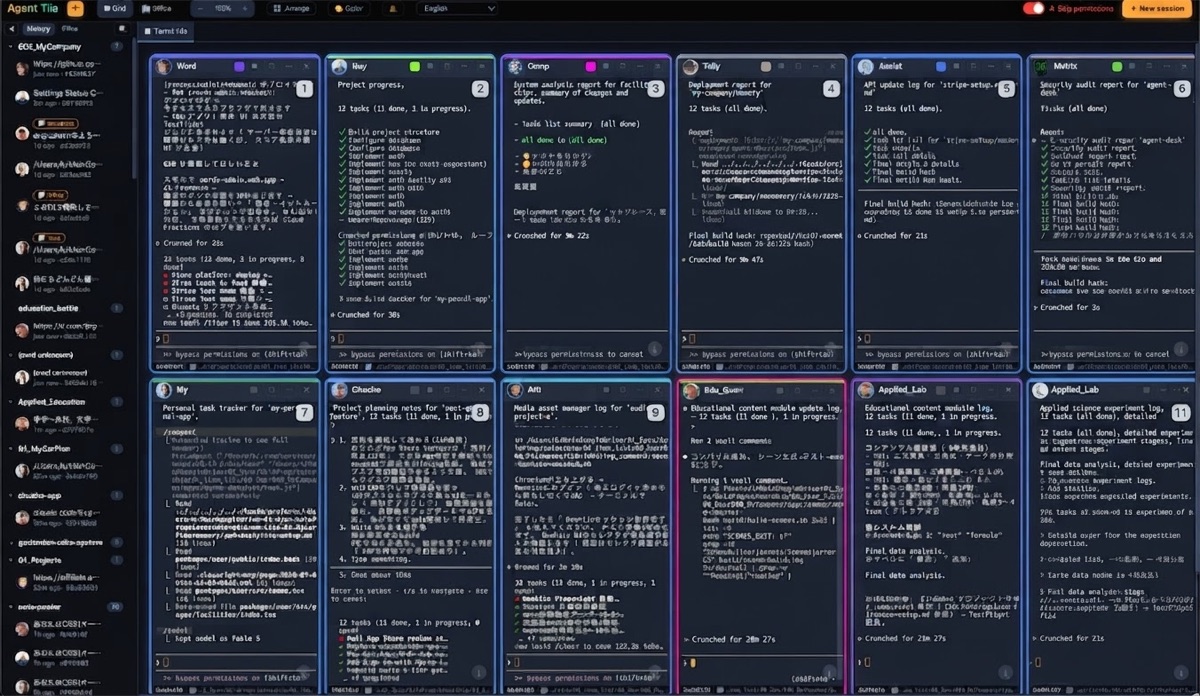
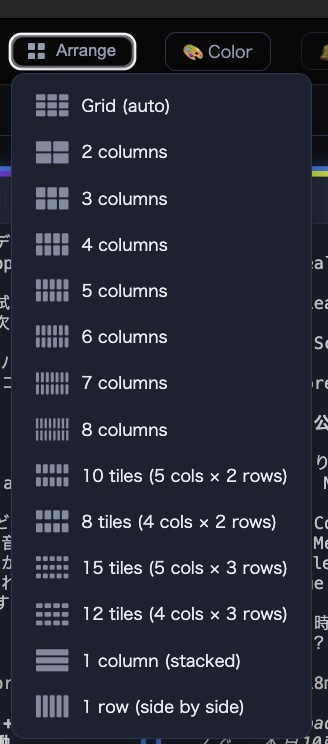
Names attach to the session, not the window, so they survive restarts. And because the tile shows live output, you don't just know which session is the API repo — you can see it's stopped at a permission prompt, waiting on you while you were reading something else:
The habits that matter more than the tool
Whatever level you pick:
- Name by purpose, not by repo — "payments-bugfix" beats "api" when you have two sessions in the same repo. (Two agents in one repo? Use git worktrees so they don't fight.)
- One naming scheme, forever. The point of labels is that you stop reading them carefully. Inconsistent labels are worse than none.
- Before any destructive instruction, say the target out loud. "This is the infra session" takes one second and has saved us more than once.
If you're at two or three sessions, Level 1 or 2 honestly covers it. Somewhere around five, hidden windows become the problem, and putting everything on one screen is the fix — that's the product we make.
The Agent Tile Blog is run by TechAthletes, the maker of Agent Tile.
Get Agent Tile — $10 once, full source included →
Agent TilePractical guides for running many Claude Code sessions in parallel on macOS — orchestration, review workflows, and staying sane with a fleet of AI coding agents.
Get Agent Tile — full source, $10 once →
- IT-QA — Technical Q&A with AI-assisted answers and point bounties — for the questions that come up while you're running a fleet.